Workload panel
The Workload panel allows you to visually track the workload of your team members by day through all your projects. The number of tasks highlighted in colors from light to red is displayed in the day cell depending on how many tasks are assigned to a particular user on a particular day.
The number of tasks in the cells depends on the currently displayed projects. If you have multiple Trello projects/boards with the same assignees, you need to display all these projects on Gantt to get complete statistics on team members' workload.
Use filtering to view information only on the users you are interested in:
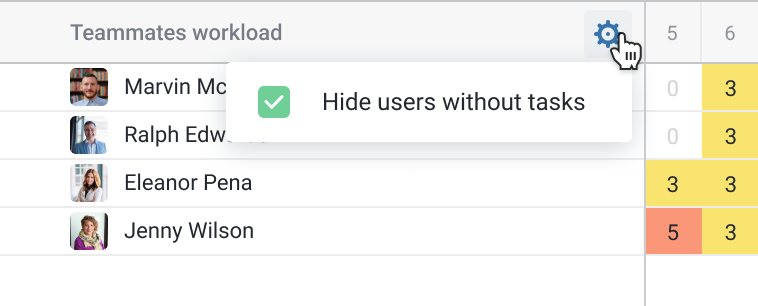
You can hide users without tasks using this setting:
The Workload Panel is available on the Professional plan. How do I buy a plan?
It is also available if you are a member of at least one team with a Professional plan.